
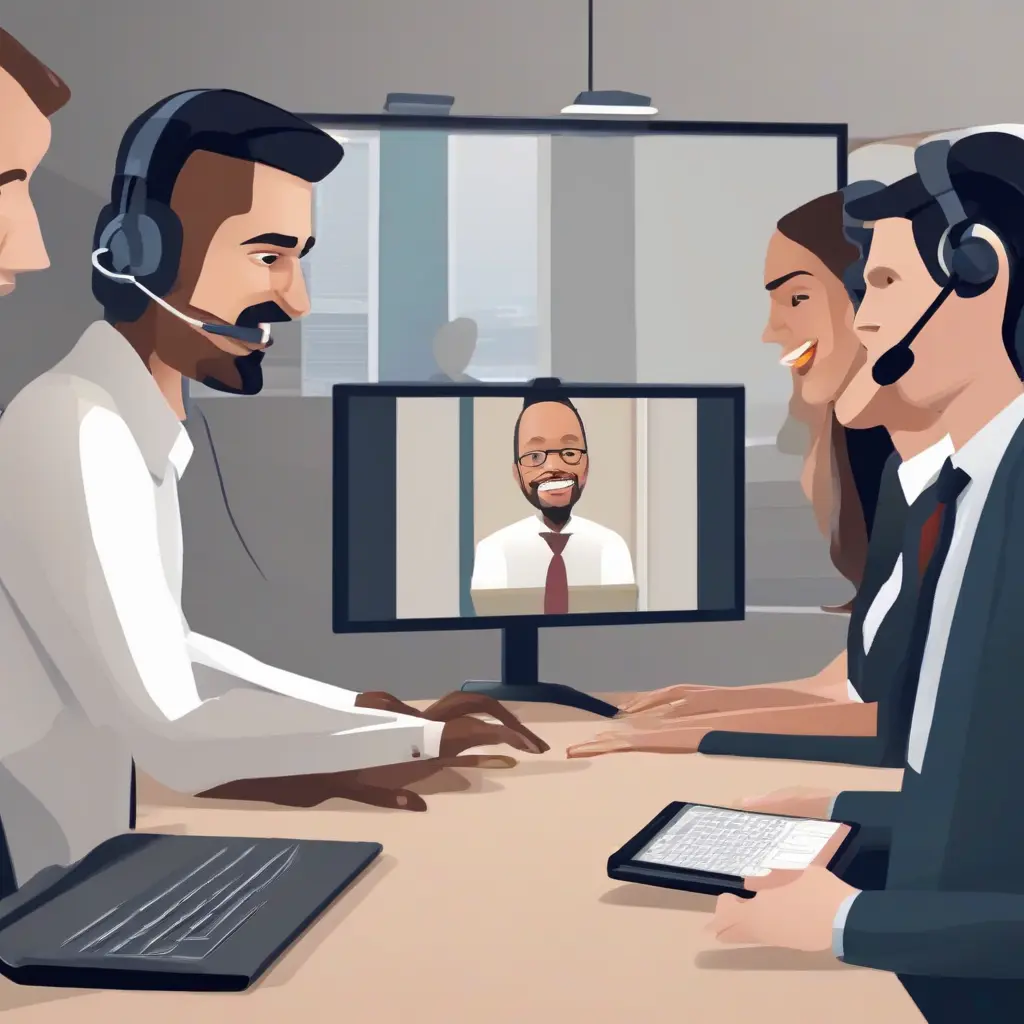
In an increasingly remote working environment, mastering video conferencing tools has become essential for effective communication in India. As businesses and professionals adapt to virtual interactions, understanding the nuances of these tools can significantly enhance productivity and collaboration. This article delves into various aspects of video conferencing, from selecting the right software to best practices for engaging meetings. By employing the strategies outlined here, individuals and organizations can navigate remote communication with confidence and efficiency.
Choosing the Right Video Conferencing Tool
Selecting the appropriate video conferencing tool is critical for successful remote communication. Numerous options cater to different needs, from Zoom and Microsoft Teams to Google Meet and Cisco Webex. When choosing, consider factors such as user interface, integration capabilities, security features, and pricing. Tools that offer easy login for participants and reliable connectivity can enhance user experience, while robust security measures protect sensitive data. Assessing your specific requirements will ensure that you select the platform that best aligns with your organizational goals.
Understanding Essential Features
Familiarizing yourself with essential features of video conferencing tools can optimize your experience. Look for functionalities such as screen sharing, cloud recording, breakout rooms, and chat functionalities. Screen sharing allows participants to present documents and visuals seamlessly, improving understanding. Breakout rooms are particularly useful for large meetings, enabling smaller groups to discuss topics in detail. Cloud recording provides a way to revisit discussions, ensuring no important information is missed. Mastering these features will enhance the quality of your virtual meetings.
Preparing for a Video Call
Preparation is key to a successful video call. Ensure you have a stable internet connection, and test your audio and video equipment before the meeting. Create a distraction-free environment with proper lighting and minimal background noise. It’s beneficial to send an agenda to all participants in advance, allowing them to prepare their contributions. Additionally, encourage participants to join a few minutes early to troubleshoot any technical issues. This thorough preparation fosters a professional atmosphere and enhances communication effectiveness.
Engaging Participants Effectively
Engaging participants during video calls is crucial for effective communication. Utilize strategies like encouraging direct questions, using polls, and fostering interactive discussions. To keep attention focused, maintain visual engagement through eye contact and enthusiastic body language. Additionally, utilizing visual aids can make complex topics easier to understand. By creating an inviting and interactive atmosphere, you’ll make participants more willing to contribute, leading to more dynamic discussions and productive meetings.
Overcoming Common Technical Challenges
Technical challenges are common in video conferencing, but they can be effectively managed. Participants may face issues like poor connectivity, audio feedback, or software glitches. To mitigate these problems, ensure everyone knows how to troubleshoot basic issues before meetings. Encourage participants to turn off their microphones when not speaking to eliminate background noise, and remind them to check their bandwidth. Having a tech-savvy individual available during calls can help quickly resolve any unforeseen problems, ensuring a smoother experience for all.
Maintaining Professionalism in Virtual Meetings
Maintaining professionalism in virtual meetings is vital for effective communication. Dress appropriately as you would for an in-person meeting, and ensure your background is tidy and professional. Actively listen to others and avoid multitasking during discussions to show respect for your colleagues’ time. Additionally, use formal language and adhere to scheduled times to reflect professionalism. Adopting these practices helps create a respectful environment, making it easier to communicate effectively and maintain focus on meeting objectives.
Leveraging Video Conferencing for Team Collaboration
Video conferencing can significantly enhance team collaboration by allowing real-time communication regardless of physical locations. Utilize features like whiteboarding and collaborative document editing to foster creativity and innovation among team members. Schedule regular check-ins and brainstorming sessions to keep projects moving forward and maintain team cohesion. By leveraging these tools effectively, teams can replicate the benefits of in-person collaboration while maximizing the advantages of remote work.
Evaluating Meeting Effectiveness
After each video conference, take the time to evaluate its effectiveness. Gather feedback from participants about what worked well and what didn’t. Consider factors such as clarity of communication, engagement levels, and fulfillment of meeting objectives. Using surveys or informal discussions can provide valuable insights for future improvements. This reflective approach helps in continually enhancing the quality of meetings and ensures that they remain productive as your team navigates remote work dynamics.
Conclusion
Mastering video conferencing tools is a crucial skill for effective remote communication in India. By selecting the right platform, preparing diligently, engaging participants, and overcoming technical challenges, individuals and organizations can enhance their virtual interactions. As remote work continues to grow, adapting to these tools will not only streamline communication but also foster a collaborative work environment. Implementing these strategies will empower you to communicate effectively and maintain productivity in a remote setup.